Why Lightroom is Killing Your Hard Drive and What You Can Do to Stop It
The Simple Fix for Premature Hard Drive Failure
 Andy Hutchinson
For paid subscribers
Andy Hutchinson
For paid subscribers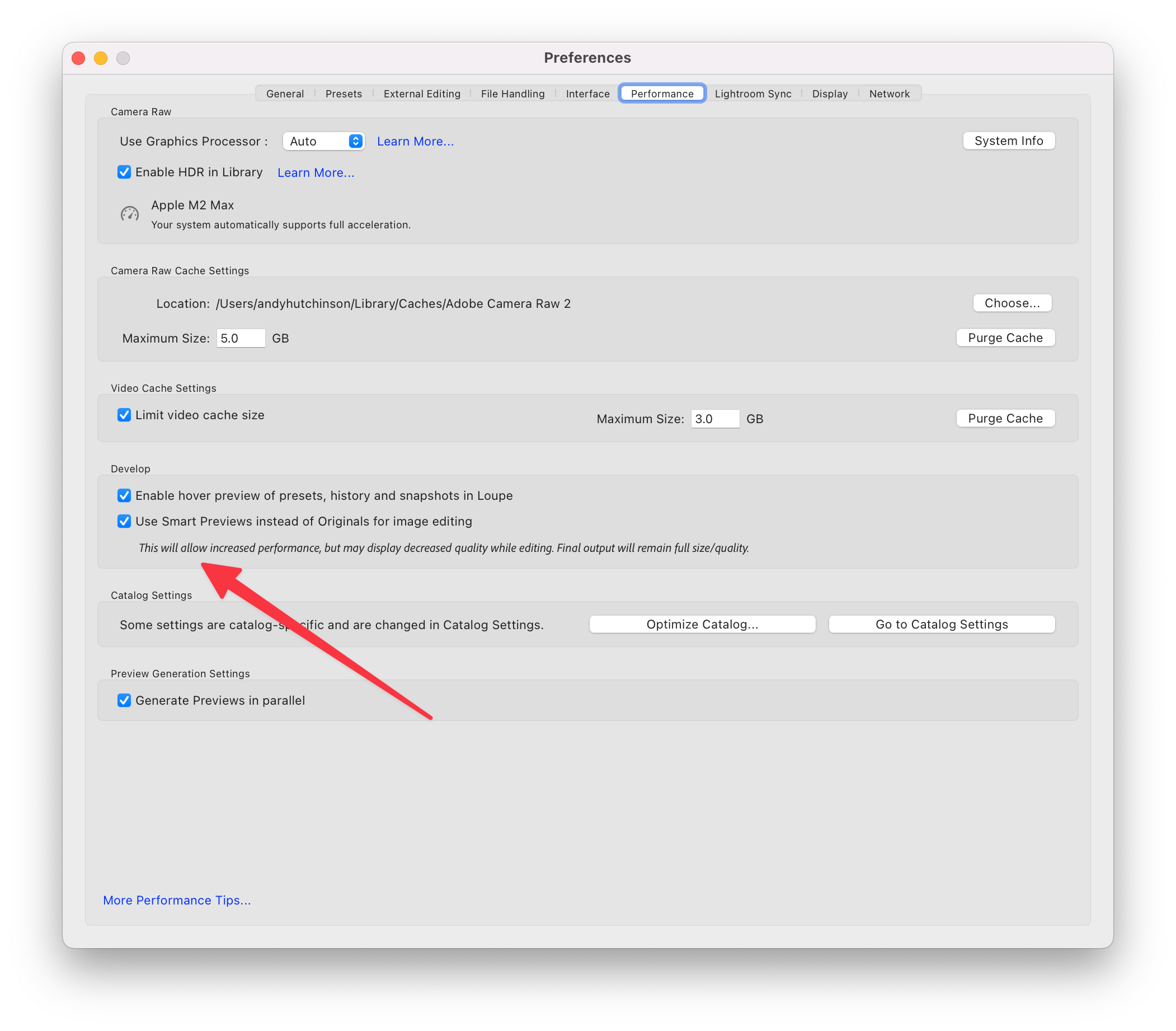
Do you feel like modern hard drives are complete garbage, or perhaps that you just have a supernatural talent for picking the shittiest brands? Do your hard drives, the ones you store all your photos on, suffer from premature failure syndrome? Have you become used to the terrifying click/whir/crunch loop of a dying external hard drive?
If this rings a bell, and you’re also an Adobe Lightroom Classic user who gets through hard drives like they’re disposable coffee cups, then I may have a few answers for you. With a couple of very simple changes, you can not only massively reduce the wear and tear on your external hard drives, but also greatly improve the entire performance of Adobe Lightroom.
Turns out your hard drives aren’t suicidal – they’re just being worked to death.
The rest of this one’s for paid subscribers.
Already a paid subscriber or a Patron? Enter the members’ password from your welcome email.
Not a member? Subscribe on Substack or leave a one-off tip.
Also published in RAW & Unfiltered on Substack.