Starter Pack – The Ten Essential Apps for New Mac Owners – Free Edition
 Andy Hutchinson
Mostly Mac · 2.6K views
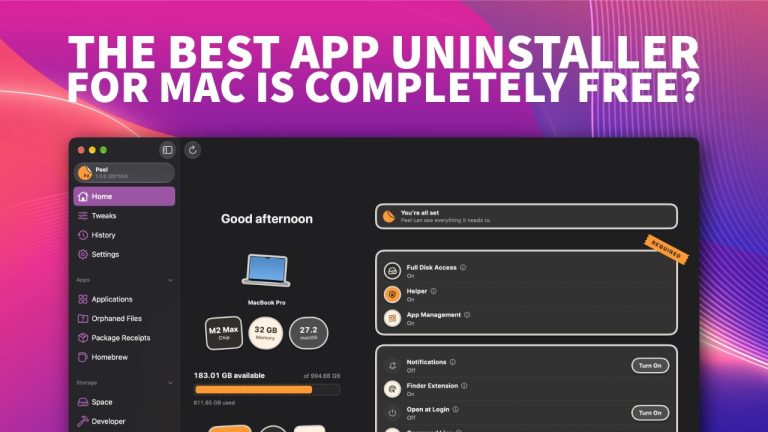
The ten free apps I'd install on a new Mac before anything else: a firewall, a tidy menu bar, clipboard history, a system monitor, password management, screenshots, backups, a cleaner, a video player and a Finder alternative. Part of the Starter Pack series, so check out the paid edition for the apps worth paying for: https://youtu.be/EMOhtzPaN30?si=qGdlzNfqRVWDEKJI
1. LuLu, outbound firewall
Free and open source | macOS 10.15 or later
https://objective-see.org/products/lulu.html
2. Thaw, menu bar manager
Free and open source | macOS 26 or later
https://github.com/thaw-app/Thaw
3. Clipen, keyboard-first clipboard history
Free | macOS 13 or later | Apple silicon and Intel
https://clipen.lovable.app
4. Stats, system monitor
Free and open source | macOS 12 or later | Apple silicon and Intel
https://github.com/exelban/stats
5. Apple Passwords, built into macOS
Free | macOS 15 or later
5b. Bramble, local-first password manager (Firefox extension)
Free and open source | Firefox
https://addons.mozilla.org/firefox/addon/bramble/
6. MacShot, screenshots and screen recording
Free and open source | macOS 12.3 or later
https://macshot.io
7. Time Machine, Apple's built-in backup
Free | built into macOS
https://support.apple.com/guide/mac-help/mh35860/mac
8. Mole, clean and optimise your Mac
Free and open source | macOS 14 or later
https://github.com/tw93/Mole
9. IINA, media player
Free and open source | macOS 12 or later (macOS 11 on Intel)
https://iina.io
10. Swift Salamander, dual pane file manager
https://swiftsalamander.app
Chapters