Photographers – Take Ownership of Your Portfolio
It's time to build your own website.
 Andy Hutchinson
11 min read
Andy Hutchinson
11 min read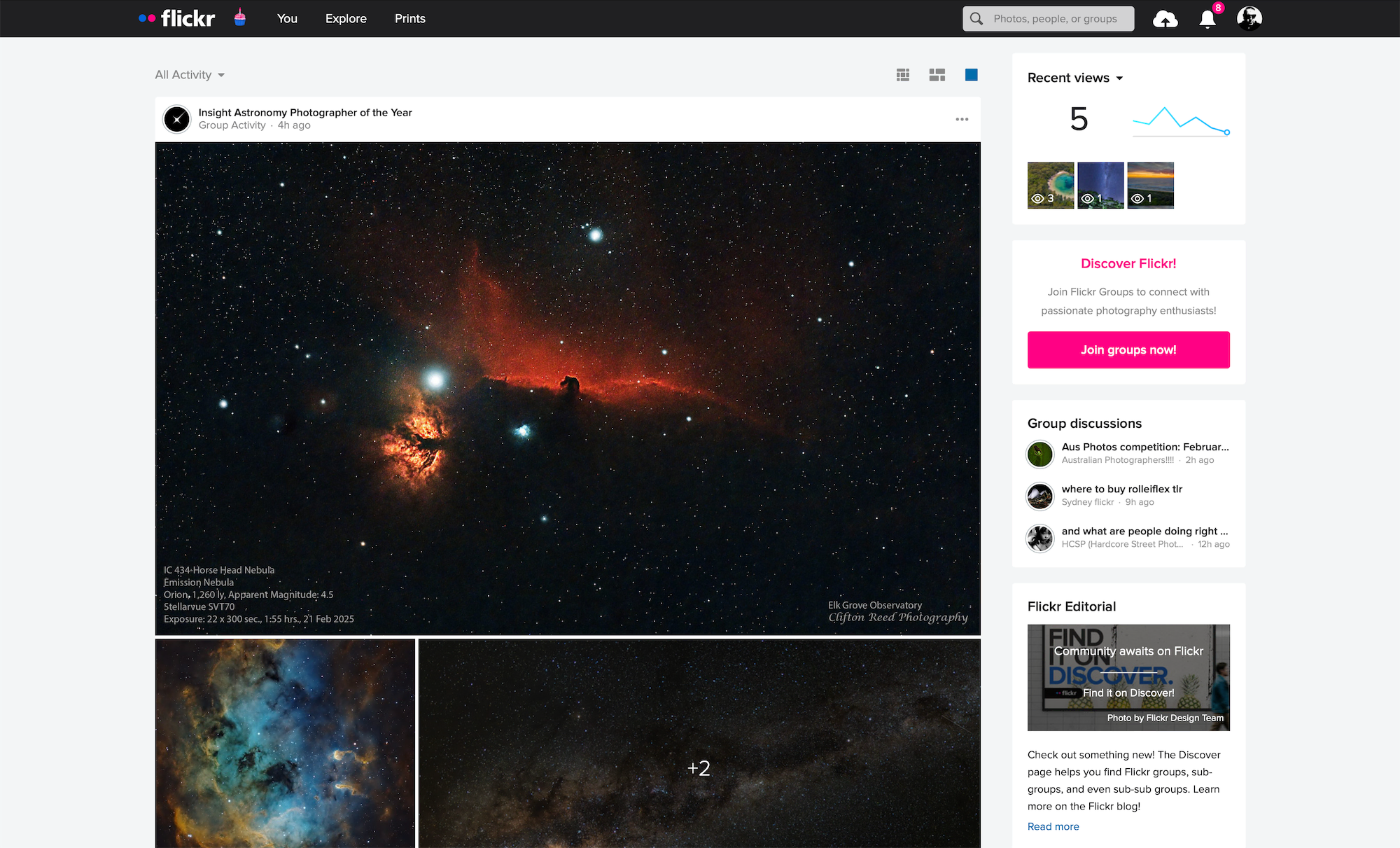
O
nce you start taking photographs on a serious (but not necessarily commercial) basis you run into a big problem – how do you show them off? Ten years ago, the answer was simple – you had a website and you put your photographs on it. However after MySpace, Flickr, Facebook and, then, Instagram arrived, everything changed. Photographers abandoned their personal websites and embraced these new third party websites because they were much easier to use and also because they offered access to larger audiences and the potential for making a couple of bucks.
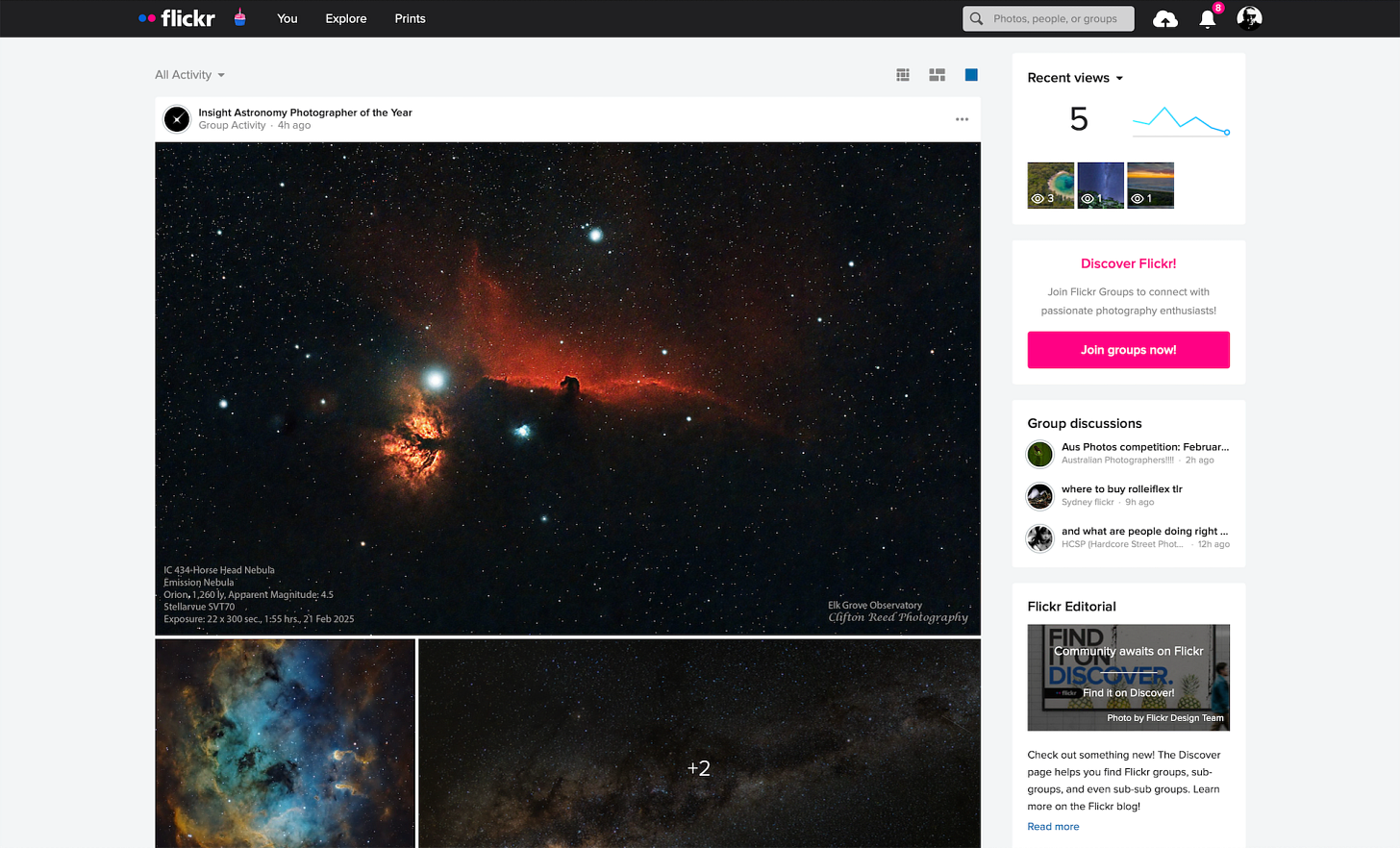
Almost inevitably, however, two things happened. Once these websites and the ones that followed them (500px, Flickr, SmugMug, Viewbug, etc) had you in their grasp, they commoditised you. These sites either sell the data they accrue to third party companies or they lure you in with some ‘free’ space and then they work to transition you to a paid subscription service. Doesn’t matter which site we’re talking about – every single one of them is treating you, the photographer, as a commodity. Many photographers consider the down-sides to be a price worth paying, but that’s usually because sticking your photos on a Facebook page is simply the path of least resistance, not because it’s necessarily the best solution.
The Social Media Paradox
Many of us have, I suspect, arrived at the conclusion that these online repositories for our photographs are not the best place to showcase our work. Dubious copyright-related small-print, horrendous image compression, awful interface design, loss of privacy, spam, image theft, reach and advertising are just a few of the downsides, however I strongly believe that there is one primary reason why we should spend far less effort on social media and that reason is this.
The efforts that you pump into Facebook or Instagram and the photographs you upload there are building someone else’s brand – not yours. If you do good work, if your photographs are interesting and engaging and if people seek you out then you are primarily adding to Facebook’s and Instagram’s ‘worth’ and not exclusively your own.
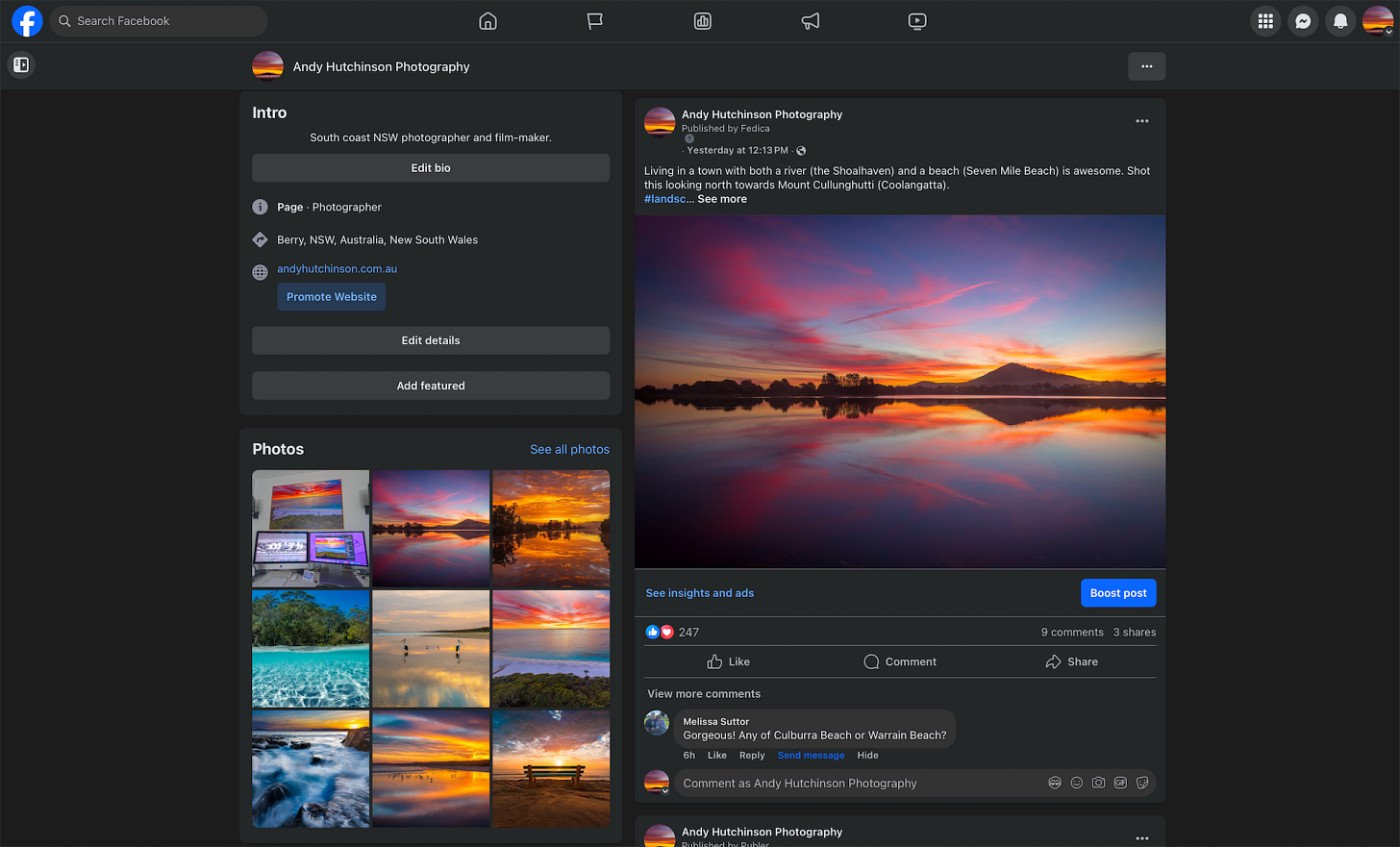
The problem is that there is still some value in sharing on social media. You can still reach people who would ordinarily never discover you and there’s always the chance that something you post will go viral. So it is my strongly held belief that we have to choose a middle way. However rather than having a Facebook page or an Instagram account at the centre of our online presence and have a website as a tertiary point of contact – we instead place our own website at the centre and use social media to push people towards that site.
I strongly believe that every photographer should have a good website, preferably one they fully manage, not a Squarespace, Wix, Duda or Weebly ‘site’ but an actual proper website housed on your own server (virtual or otherwise). Only this way can you have full and complete control over every aspect of your site (and therefore over your brand), and while it takes longer to set up and a bit more time to manage, the benefits far outweigh those small disadvantages.
I have seen other photographers suggesting that we should abandon our social media presence completely and that is not my view. What I am suggesting is that instead of serving as content machines for social media sites, we instead leverage the advantages of those sites for our own ends and wrestle back control in our favour.
What’s in a name?
Before we dive into some of the nuts and bolts – a quick word about domain names. It used to be the case that you had to use a country-specific domain such as .com, .co.uk, .fr or .com.au. However there is considerably more freedom these days and you can use far more relevant domains such as .photography, .photo, .pics, .gallery, .art, .studio, or even newer options like .images.
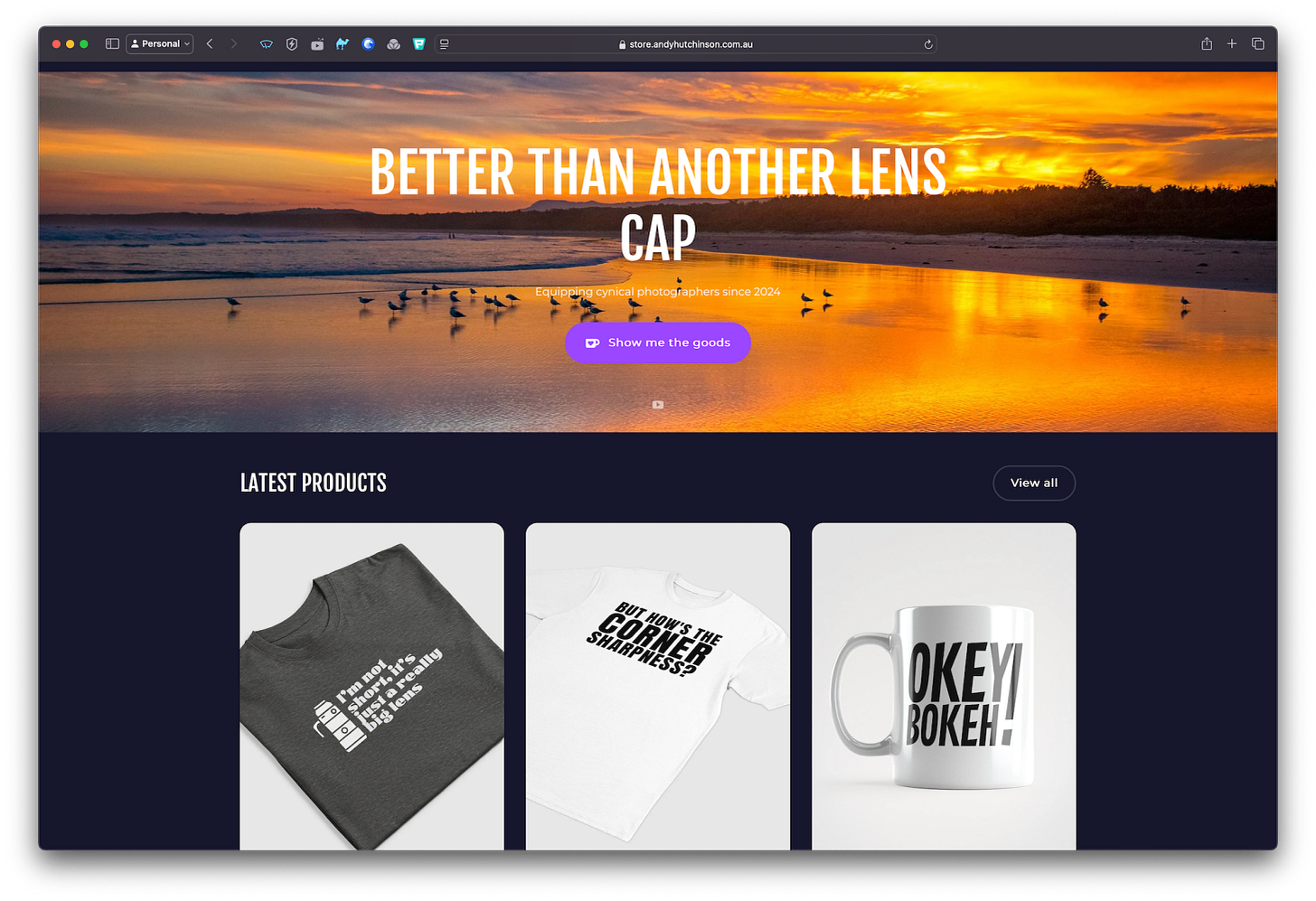
Picking a good domain name is important as it will be one of the cornerstones of your brand. You will be able to use it to receive email (far better than having a Gmail account) and you can even create add-on domains, such as store.andyhutchinson.com.au. Don’t stress too much about getting all the different permutations of your name – just pick one good combination and stick with it.
If you do not already own your own domain name then I strongly suggest you register it through whichever company you choose to host your site, because then you do not have to worry about transferring the domain or pointing the domain at your host’s nameservers.
Build it and they will come
Building your own website gives you full and complete control over pretty much every aspect of your portfolio. Using one of popular (free) content management systems (CMSs) and a page builder, you can create a bespoke website that operates precisely the way you want. And while there are many free CMSs knocking about, the one I strongly recommend you use should use is WordPress.
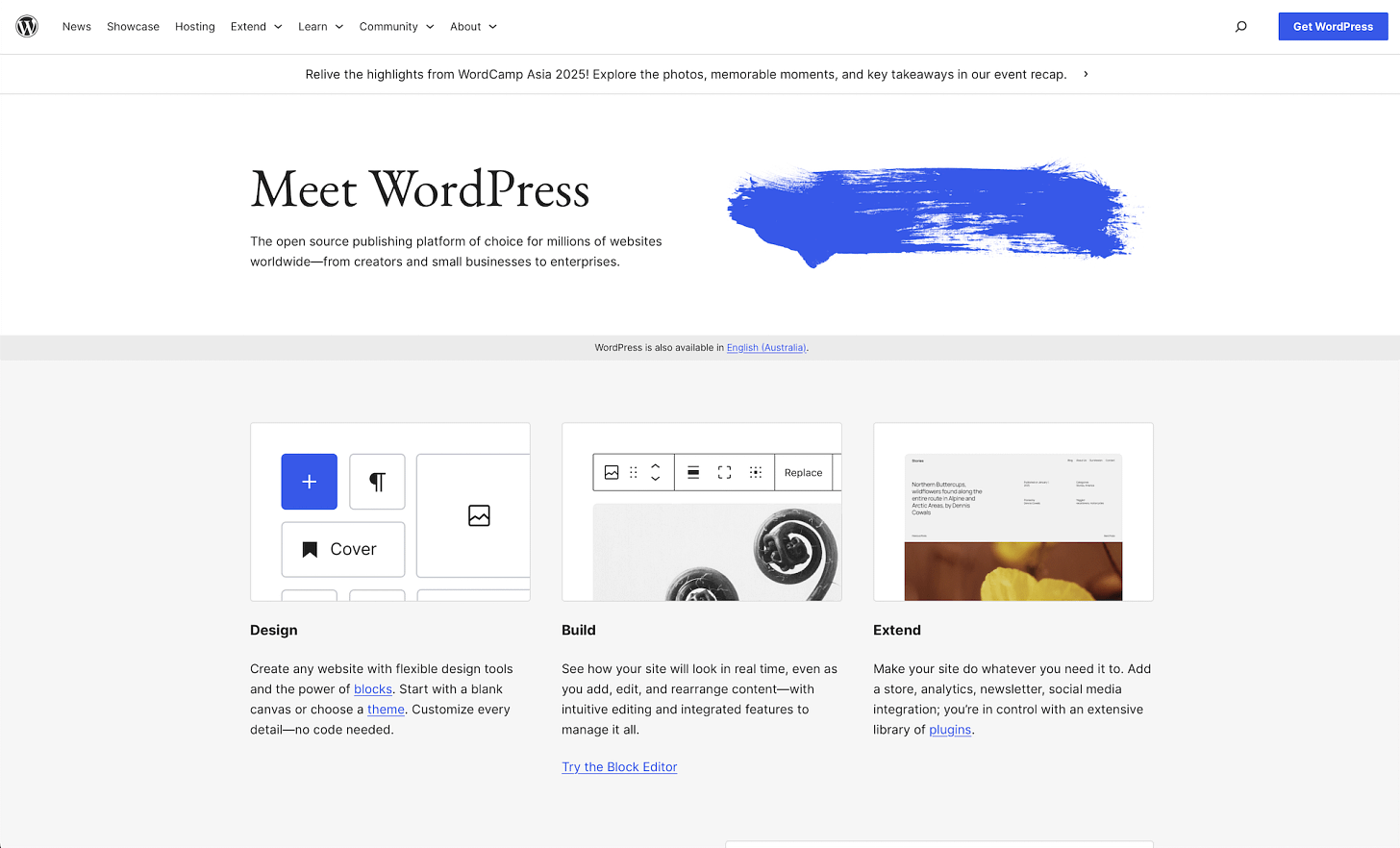
Over the years WordPress has evolved from a very simple blogging platform (released in 2003!) into a custom web engine upon which you can build any design and lock in any functionality that you desire. From simple one page ‘business card’ sites to full-blown ecommerce setups, WordPress can do it all and it is the most popular CMS (by some margin) for good reason. Please be aware however that I am talking here about self-hosted WordPress sites and not wordpress.com blogs as they have many of the same flaws as Squarespace et al.
Pretty much all reputable hosting companies offer ‘starter’ packages. If you are unsure about how much space and bandwidth you’ll need then you should always begin with the starter package because you can easily and simply upgrade down the line if required. Research decent web hosts in your country and make sure any package includes cPanel access because gives you full control over things like email and FTP accounts, database management, domain management and security.
With a cPanel account you can often do a one-click install of WordPress, however if you do not have this feature, a manual installation is incredibly easy these days.
Grand Designs
The look and feel of a WordPress website is governed by its theme – a combination of pages, stylesheets and code which determine how your site looks when viewed in a browser. The beauty of a CMS like WordPress is that you are not stuck with one theme – you can change it any time you want and, more importantly, you can customise your theme (within limits) to look the way you want.
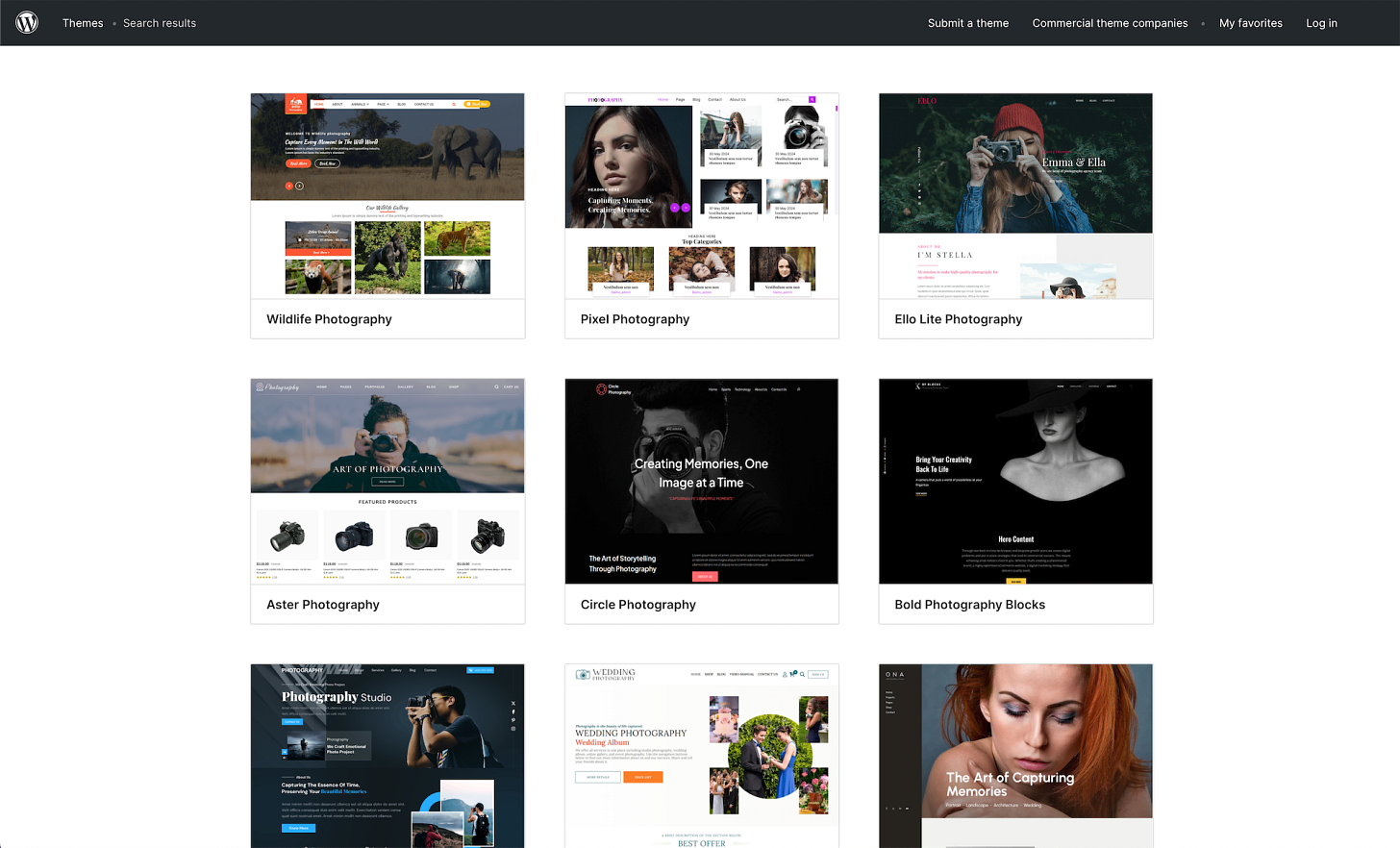
However while there are thousands of themes designed with photographers in mind and any number of hugely popular generic themes such as Divi, Avada, X, Enfold and Uncode – you should ignore them all and build your own on a basic theme framework. If you opt to build on a theme such as Avada you are locking your site into a very specific workflow and a very obvious look. Moreover themes such as Avada lead to bulky sites and don’t index as well in search engine rankings. Also – do you really want your portfolio – your front door on the web – the first impression many people will ever have of you – to look like 100,000 other websites?
My strong suggestion is that you use a combination of a basic and highly customisable theme with a decent page builder plugin. In this way you can have complete control over your site and you do not have to know any code to build or maintain it.
Firstly, try and steer clear of the old school page builders such as WPBakery (AKA Visual Composer), Divi and SiteOrigin as these are clunky to use and are based on an out-dated shortcode framework.
While WordPress’s own built-in ‘block’ based page builder known as Gutenberg has improved significantly in recent years and offers more functionality than it once did, it’s still not as robust as dedicated page builders. There are several good free page builder plugins available, such as Beaver Builder and Bricks – but the easiest to use would be Elementor. Combine Elementor with a good free theme such as Layers, Customify, Astra, Hello or Ocean and you have everything you need to create your own bespoke design.
If you don’t know where to start in terms of site design, head over to Lovable, give the AI some details about you, share links to some site designs you like and ask it to design you a landing page. You don’t have to deploy from there, but you can copy the design in WordPress using a page builder.
Build it your way
Before I redesigned my website I spent time thinking about precisely how I wanted it to work and what functionality I wanted to include in it. I did extensive research too and spent time checking out other photographers portfolio sites to see what did and didn’t work – I used Awwwards as a starting point. I also thought about the commercial portfolio sites, such as 500px, and what influences (if any) I could draw from them.
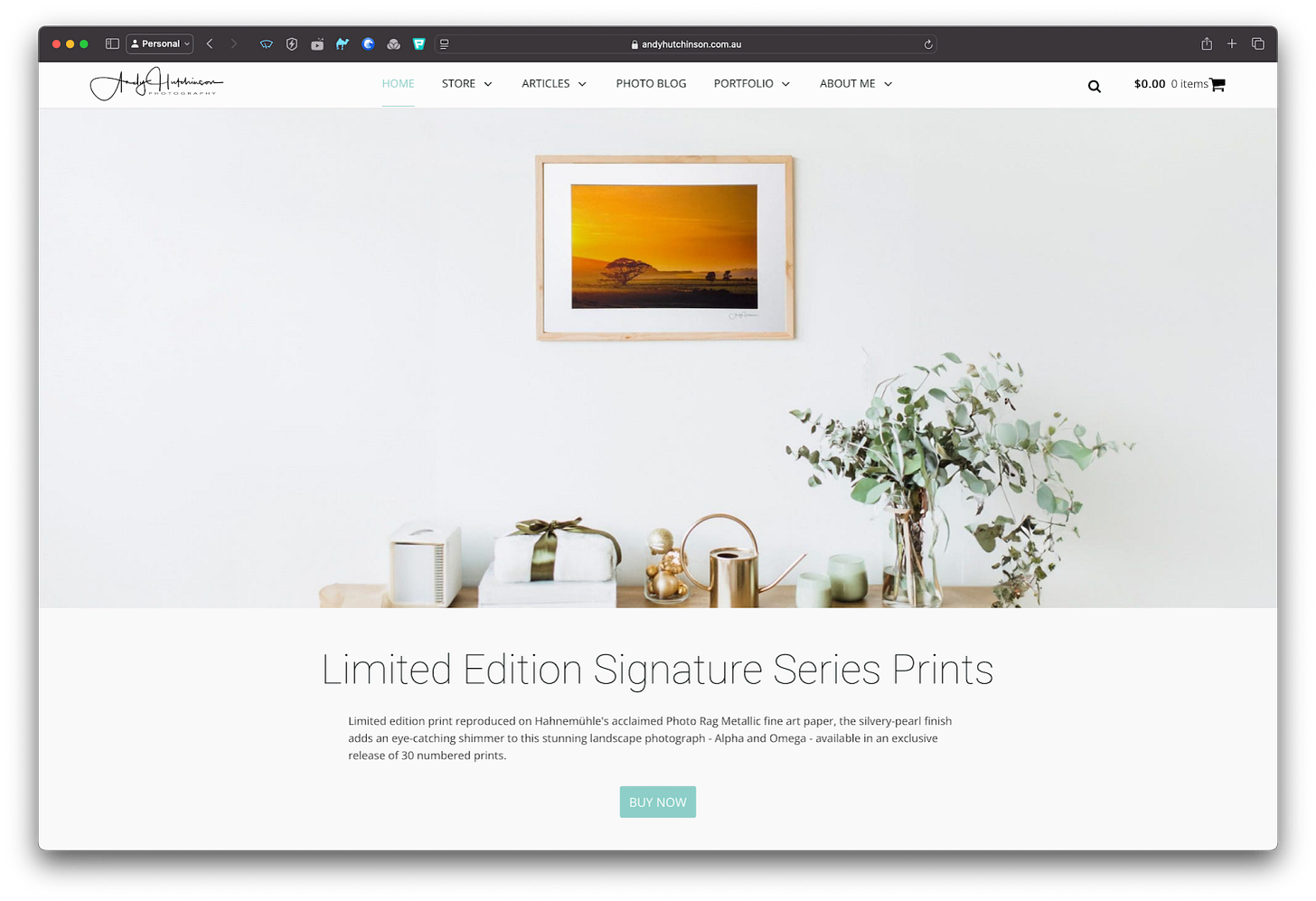
I wanted a site that showcased my photographs the way I wanted but I also wanted to make it as easy to manage as possible. For this reason I made as much use of dynamic content as possible. For instance the sliders on my site are set-and-forget – they are populated dynamically from my recent photoblog posts or my most recent articles or my most recent photographs. My website is a blog and a portfolio website so I needed a magazine style layout rather than a strict gallery based format.
So by the time I sat down and got to building my homepage I knew how I wanted it to look. The functionality of my website is built around several excellent slider and grid plugins. They are Smart Slider 3 (far and away the best slider plugin on WordPress), FacetWP (used for the cool filter in my Photoblog archive) and WP Real Media Library (so I can store photos in folders and collections for easy management).
Be Found
Another key reason for building your own website and managing it yourself is that you get full control over your SEO (Search Engine Optimisation) and your analytics. By utilising WordPress plugins such as Yoast, The SEO Framework, or Rank Math you can fine-tune your site so that it indexes well in Google. Your search engine ranking is something you should consider from the outset and there is little doubt that you will do far better with your own site than you ever will using a hosted service such as SquareSpace or Wix.
Fine-tuning your website is an on-going job, but it is one that is considerably easier when you have full access to Google Analytics. This enables you to find out what people are viewing on your site, how they’re finding you and what they’re doing on the site when they get there.
Pointing the way
Once you have built your site and populated it with your photographs and any other content that you’d like to share, you can begin using social media to build your brand, not Zuckerberg’s. The key is to look on your website as the centre of the set-up, not some boring appendage that you begrudgingly maintain out of a sense of duty.
The website-as-focus policy means that all your content lives on your site – it begins life on your site, it is the source of truth for your brand and it is where you direct as much traffic as possible.
So when you have added a new photograph to your portfolio, you go to your Facebook page and you link to the website page that image is on – the featured image in your post will serve as a preview to the Facebook post – do not upload a separate low resolution version as that is all people will see. For Instagram, where direct linking remains challenging, use your single bio link effectively with a service like Linktree, or consider upgrading to a business account for more linking options. With Instagram Stories, you can use the ‘Swipe Up’ feature (if you have 10,000+ followers or a verified account) to direct traffic to your site.
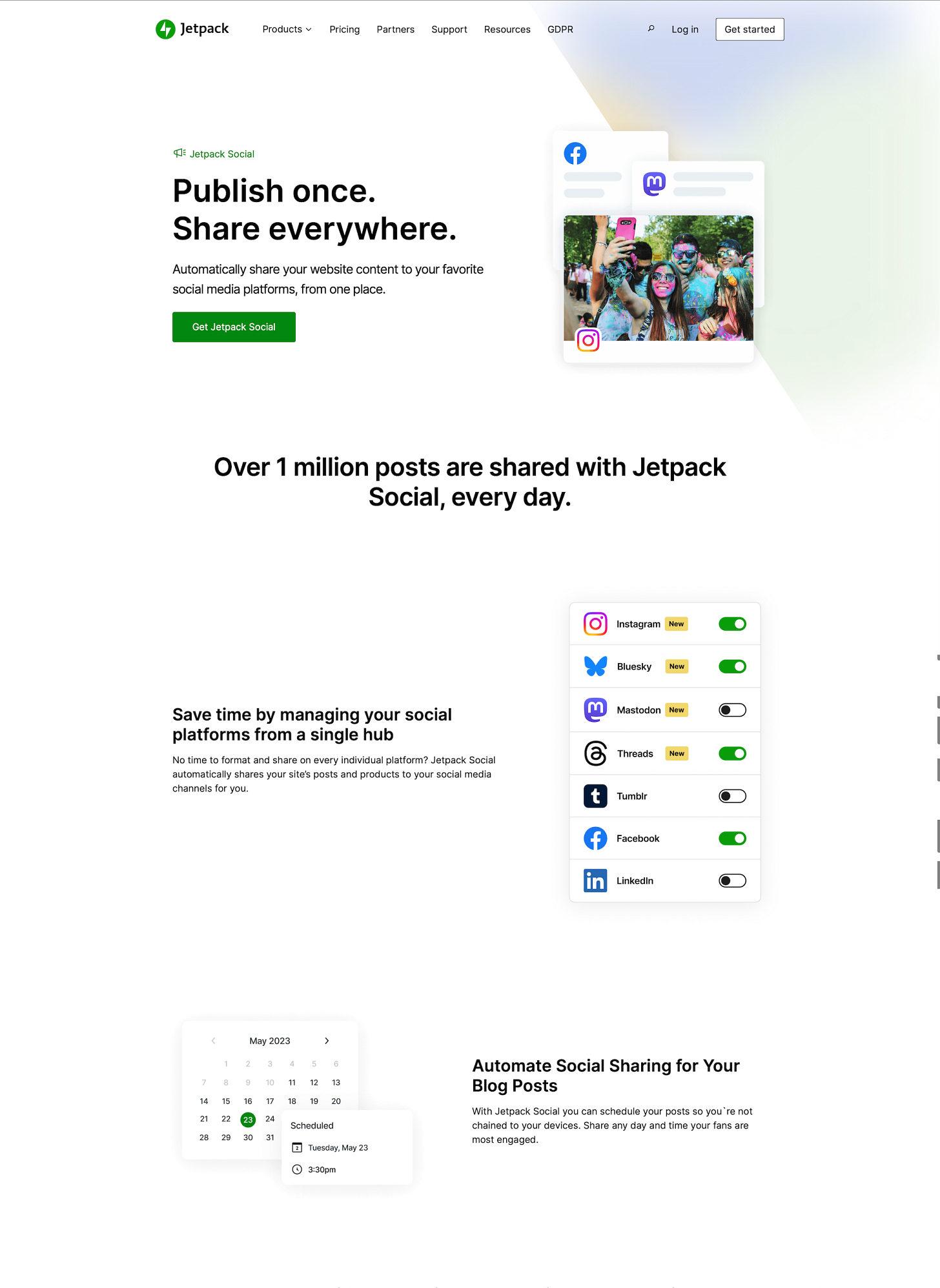
If you install the Jetpack plugin on your site, you can set it to automatically post to various social media feeds including newer platforms like Bluesky through the Jetpack Social tier. This means much less work on your part while maintaining consistent cross-platform presence.
Make sure you include your website address in your email footer, in your Twitter feed profile and in the profile of every site you belong to, from 500px to DeviantArt. If you get featured by other Facebook pages, Instagrammers, YouTubers or websites, get them to link back to your website – not your social media accounts.
Stop the rot
Taking ownership of your brand by means of a well designed portfolio website is a liberating experience. No longer do you have to complain about crappy design or lousy image compression because you are in control of those things on your own site and can display your images in as high a quality as you desire.
The fact that Facebook and Instagram now show your posts to an even smaller percentage of your followers (sometimes as low as 2-3%) will no longer matter – they won’t be able to strong-arm you into ‘boosting’ your post or using paid promotion because your website is all that matters, not some shitty social media feed.
Free yourself of the shackles of these global content harvesting sites, use them to your ends not those of their corporate owners, make your own designer home on the Internet and take charge of your brand once and for all.
Also published in RAW & Unfiltered on Substack.