Creating Stunning Path Blur Effects in Photoshop
An awesome technique made much easier by AI subject selection tools
H
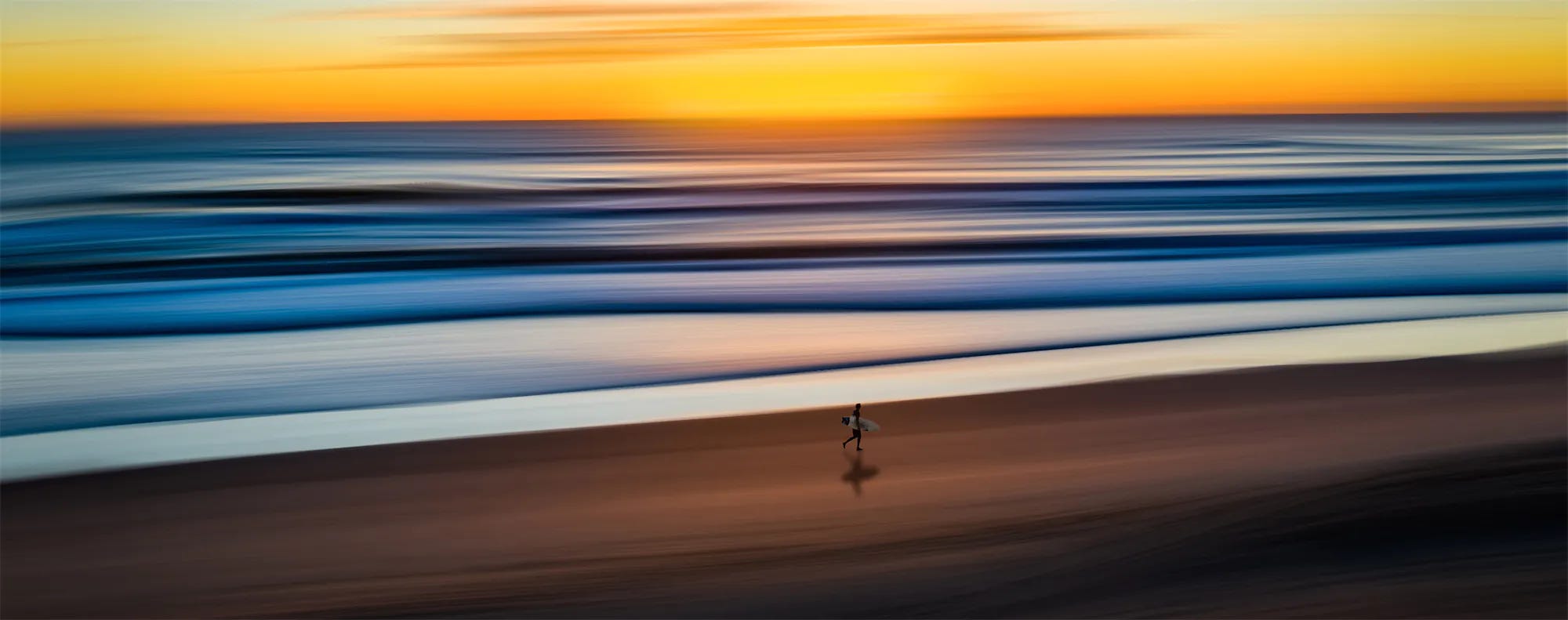
ave you ever seen a creative photograph with an incredible blurred background that looks almost like motion blur, but somehow different? About six years ago, I spotted such a photo from a well-known Sydney photographer. When I tried to recreate it using motion blur, I quickly realized it was something else entirely. After digging deep into Google, I discovered it used a tool unique to Adobe Photoshop – the Path Blur tool – which remains exclusive to Photoshop to this day.
Let me show you how to transform an ordinary beach photo into a stunning fine art image using this technique, which has become even easier with Adobe’s new AI selection tools.
The rest of this one’s for paid subscribers.
Already a paid subscriber or a Patron? Enter the members’ password from your welcome email.
Not a member? Subscribe on Substack or leave a one-off tip.
Also published in RAW & Unfiltered on Substack.