Photoshop’s Camera Layers Aren’t RAW Editing Tools
Adobe have been giving Photoshop a bit of a make-over lately – not just in terms of its steady march to A.I. oblivion, but in terms of adjustment layers. And the problem is that some of these new tools are creating a bit of confusion due to their similarity to the sliders found in Adobe Camera RAW and Lightroom.
Photoshop’s had adjustment layers for decades of course – curves, exposure, colour balance etc – they’ve been in there for years. But what Adobe have started doing lately is adding new adjustment layers or giving existing ones a makeover so that they look exactly like the ones you find in their RAW editing apps.
So you might look, for instance, at the ‘new1’ Light adjustment layer and think, “Awesome – I can do things like shadow and highlight recover in Photoshop now.” And while you can indeed perform shadow and highlight recovery on a photograph, this new Light adjustment layer is most definitely not the tool for the job.
When is a RAW not a RAW
There are two stages to opening a RAW photograph in Photoshop. When you open it first you’ll notice that Adobe Camera RAW appears and you can perform any edits you like on that RAW data. But once you click the Open button and that photograph appears in Photoshop, it is no longer a RAW photograph, it’s an RGB image. ACR has taken the sensor data and baked any slider edits into the pixels.
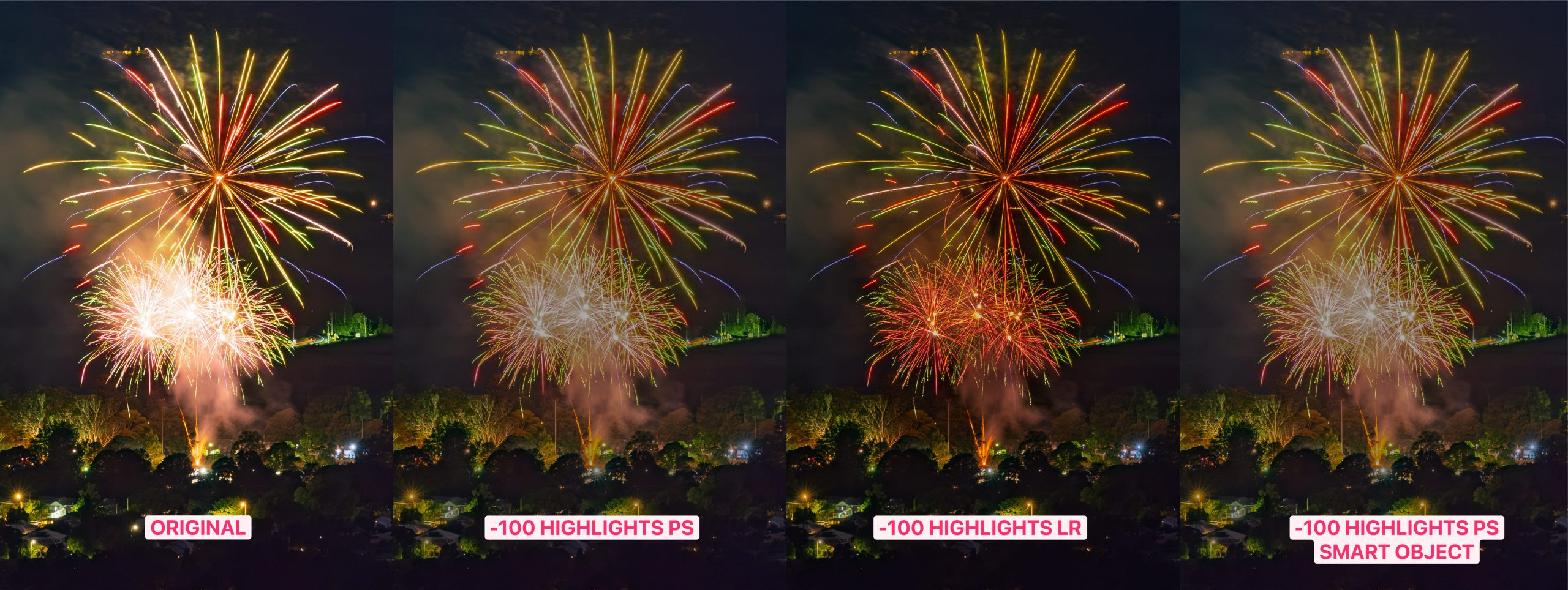
To illustrate what’s going on – check out the image above – click on it to view it full size.
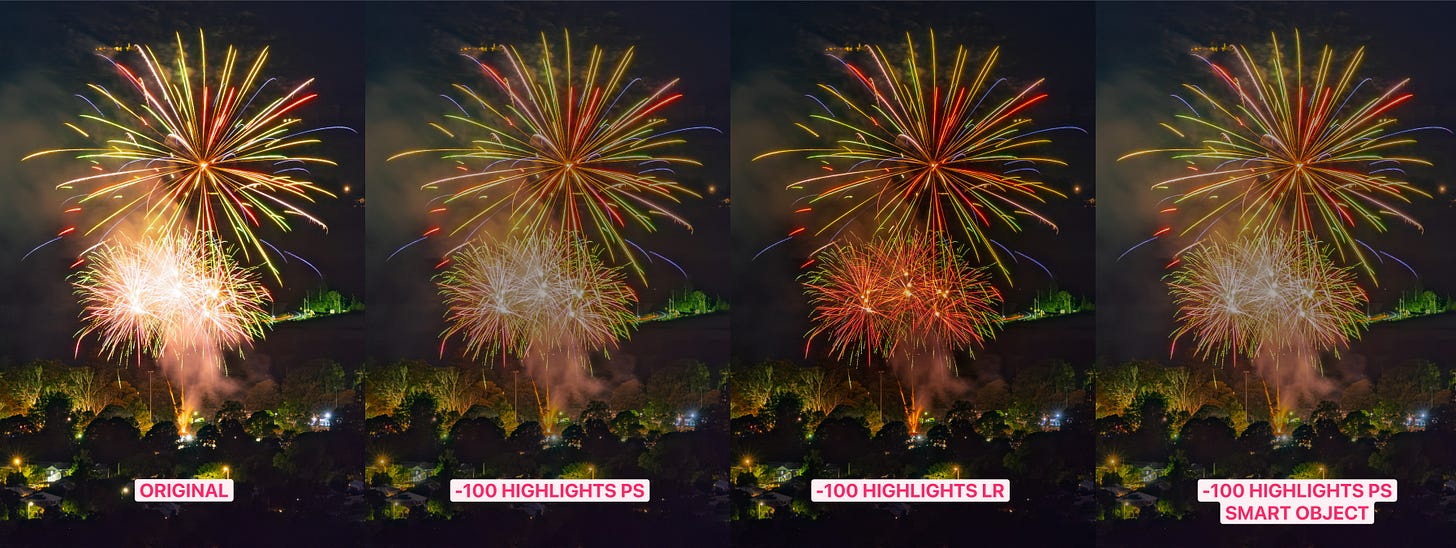
On the left is a RAW photograph sitting in Adobe Lightroom with no edits made to it. Look at the highlight strength in the centre of the lower firework and also the colour in that firework and around it.
The second shot is that same photograph, now opened in Adobe Photoshop, with a single ‘Light’ adjustment layer added and the highlight slider dragged all the way to the left. Look at the lower firework – how grey it is now and how muted the entire image is. Whatever was sitting above the clipping point when it was opened in Photoshop is gone. Not hidden, not recoverable, gone.
The third shot is the RAW photograph open in Adobe Lightroom Classic with the highlight slider dragged all the way to the left. Notice the stark contrast in colouring now between shot 2 and shot 3. Global brightness has barely moved, the smoke is still dark, and the burst comes back to life with red and orange structure that simply isn’t present in the Photoshop edits.
The fourth shot is the RAW photograph open in Photoshop as a smart object with the ‘Light’ adjustment layer applied to it and the highlights dragged all the way to the left. As you can see it’s identical to shot 2.
So that new Light adjustment layer, might look exactly like the first six sliders in Lightroom, but it doesn’t have anywhere close to the same capabilities, because it’s not a RAW file any more, it’s a raster sRGB image.
Now before you all jump to the comments section and tell me that you can still open a RAW photo as a Smart Object in Photoshop and double-click on that layer at any time in order to edit the image as a RAW in Adobe Camera RAW … yes, of course you can do that.
In the case of Smart Objects they are simply links to the original file and not actually embedded in the Photoshop image until you flatten the layers, convert it to a regular layer or export it. But none of that makes the deceptive design of the new Light adjustment layer any better.
The same limitations apply to all of the Lightroom-like adjustment layers in Photoshop – Saturation/Vibrance and Clarity/Dehaze – they are all working on RGB data, not RAW data and any edits will look completely different to the same edits run through ACR or Lightroom.
None of this makes the Light layer useless. If you’re working on a composite, a scan or a client’s JPEG, there’s no RAW file to go back to anyway, and it’s a far better tool than the Brightness/Contrast layer it replaced. Just don’t expect it to do the job of a slider that had the sensor data to work with.
It’s actually just the old Brightness/Contrast adjustment layer after a makeover
Also published in RAW & Unfiltered on Substack.